

Enhancing Trading Strategies with SMS Alerts: Integrating TradingView and SBMG via Zapier
3 Jan 2024Introduction
In the fast-paced world of trading, timely information is crucial. TradingView offers a variety of alert options, but integrating these alerts with SMS notifications can provide traders with a significant edge. This article guides you through setting up SMS alerts for TradingView signals using SBMG via Zapier, enhancing your trading strategy with immediate and convenient notifications.Understanding TradingView Alerts
TradingView, a popular platform among traders, offers several alert types to suit different trading strategies:- Real-Time Price Alerts: Get notified about specific price movements.
- Indicator Alerts: Use over 1,000 indicators for tailored alerts.
- Strategy Alerts: Receive notifications when strategy orders are executed.
- Drawing Tool Alerts: Set alerts based on your chart drawings.
- Specific Condition Alerts: Including ‘Crossing’, ‘Greater/Less Than’, and ‘Moving Up/Down’.
The Value of SMS Alerts in Trading
While TradingView’s native alert systems are efficient, SMS alerts offer distinct advantages:- Immediate Notifications: SMS alerts reach you instantly, crucial for time-sensitive trading decisions.
- Accessibility: Unlike emails or app notifications, SMS doesn’t require internet access, ensuring you’re alerted under various circumstances.
Integrating TradingView Alerts with SBMG via Zapier
SBMG, when combined with Zapier, can turn TradingView alerts into SMS notifications. Here’s how to set it up:- Setting Up a Webhook in TradingView: While creating an alert in TradingView, select the ‘Webhook URL’ option. This enables the alert to send data to a specific URL when triggered.
- Creating a Zap in Zapier:
- Trigger: Choose ‘Webhook by Zapier’ and configure it to catch the TradingView webhook.
- Action: Select SBMG’s Zapier action and set it to transform the webhook data into an SMS message.
- Test and Activate: Ensure the Zap works correctly through testing, and then activate it for real-time usage.
Step-by-Step Guide to Creating the Zap
-
Create a TradingView Alert:
- Go to TradingView, choose your criteria for the alert, and in the alert settings, select ‘Webhook URL’.
- Enter the URL provided by Zapier (created in the next steps).
- Configure your alert message as json in the template below
As an additional security layer this example adds a passphrase we can validate in our zap.- Once setup your alert should look something like this (depending on your requirements):

-
Setting Up Zapier:
- Log into Zapier and create a new Zap.
- Choose ‘Webhook by Zapier’ as the trigger and ‘Catch Hook’ as the event.
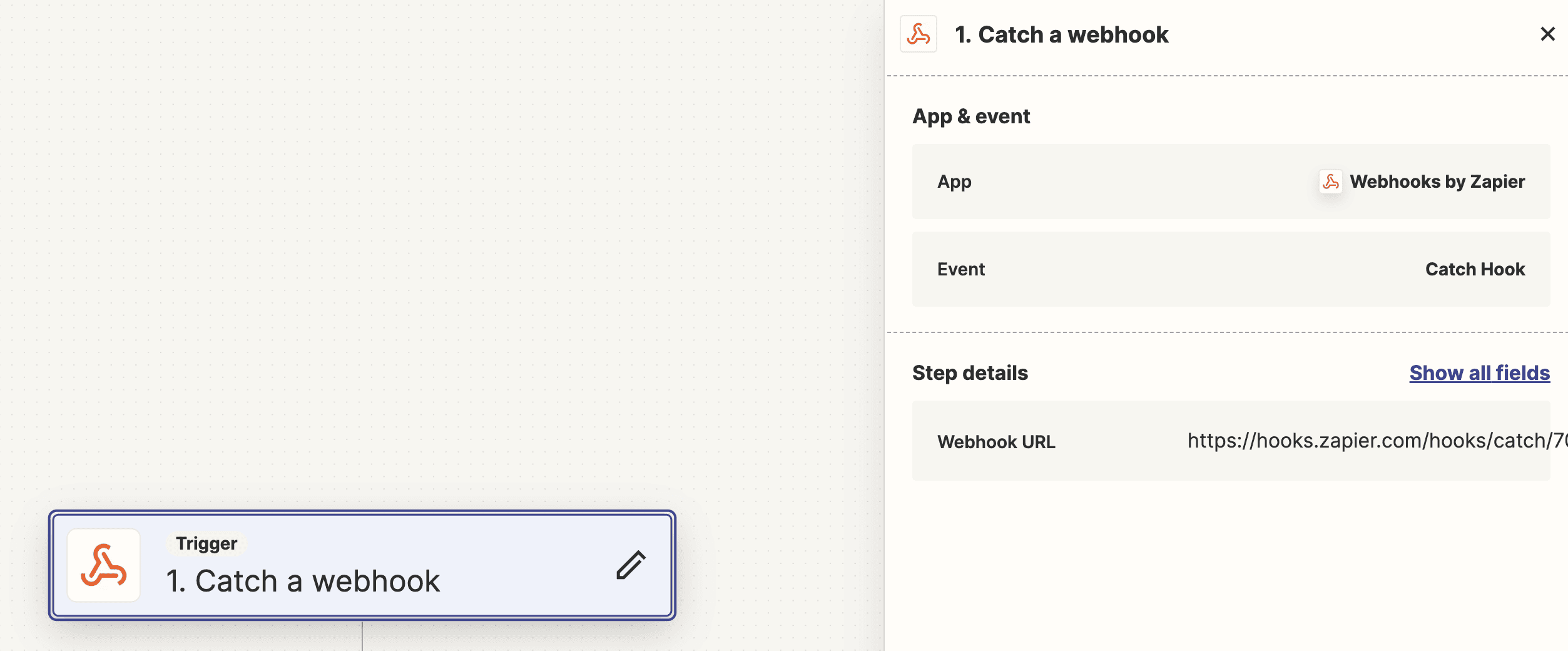
- Add a filter for the passphrase in your alert as set in the TradingView alert.

- In the action step, select SBMG and configure the SMS message using the alert of the webhook and setting your phone number.

-
Testing:
- Test the Zap to ensure the SMS is sent correctly when the TradingView alert triggers.
-
Deployment:
- Once testing is successful, activate the Zap.
Benefits of Using SMS Alerts
-
Immediate Notifications:
- SMS alerts are delivered instantly to your mobile device, ensuring that you never miss an important trading signal.
-
Reliability:
- Unlike email notifications, which can sometimes be delayed or filtered into spam folders, SMS messages are highly reliable and are typically delivered within seconds.
-
Convenience:
- With SMS alerts, you can stay informed about market movements even when you’re away from your trading desk. This is particularly useful for traders who are frequently on the go.
-
Customization:
- The integration allows for a high degree of customization. You can tailor the SMS messages to include the specific information you need, such as asset names, alert conditions, and current prices.